The Presave, Rewired — How Independent Artists Are Actually Building Fan Lists in 2026
For most of the last decade, the presave was a library play. A fan clicked your link, authorized a streaming service to add your unreleased song to their saved library, and on release day the song appeared in their liked music alongside the two thousand other tracks they'd added over the years. You got a bump in library adds. Sometimes it converted to streams. A lot of the time it didn't. That version of the presave is fading, and it's fading for a reason anyone who uses Spotify or Apple Music can probably guess. Most people don't play their liked library. They put on a playlist.
For most of the last decade, the presave was a library play. A fan clicked your link, authorized a streaming service to add your unreleased song to their saved library, and on release day the song appeared in their liked music alongside the two thousand other tracks they'd added over the years. You got a bump in library adds. Sometimes it converted to streams. A lot of the time it didn't.
That version of the presave is fading, and it's fading for a reason anyone who uses Spotify or Apple Music can probably guess. Most people don't play their liked library. They put on a playlist.
What the presave used to be
The traditional presave ran through an OAuth handshake between the fan and the DSP. Someone would land on a presave page, click through to their streaming service, and grant the promotion tool permission to save the song on their behalf when it dropped. The tool captured the fan's email as a side effect and, if the artist paid for the export, delivered a CSV a couple of weeks later.
This worked well enough when presaves were a novelty. Library adds carried weight in the algorithms. Playlist culture hadn't fully taken over. And most independent artists were happy to trade the fan data to the intermediary in exchange for the promise of a streaming boost.
What changed
Two things.
First, library saves became less valuable as a stream driver. Streaming platforms shifted their weight to playlist placement and algorithmic recommendation. Even engaged fans stopped listening to their own libraries. The song you were "saved" to landed in the liked column and quietly stayed there.
Second, artists started noticing that the most valuable thing a presave campaign generated wasn't the library adds — it was the email addresses, phone numbers, and Instagram handles of every fan who cared enough to click through. And that data was going somewhere else.
The independent artist economy has been quietly rebuilding the presave around that second insight. If the fan data is what actually matters, the presave should capture it directly. If library saves aren't converting to streams, the release-day mechanic should hand the fan a stream link, not a library entry.
How the presave works in Fanaura
Fanaura's presave doesn't use an OAuth handshake with the DSP. It doesn't ask the fan to authorize anything on their streaming service. Instead, the fan lands on a smart link, signs up with their email and phone number, picks the streaming service they use, and confirms their interest in the upcoming release. All of that lands directly in your fan database.
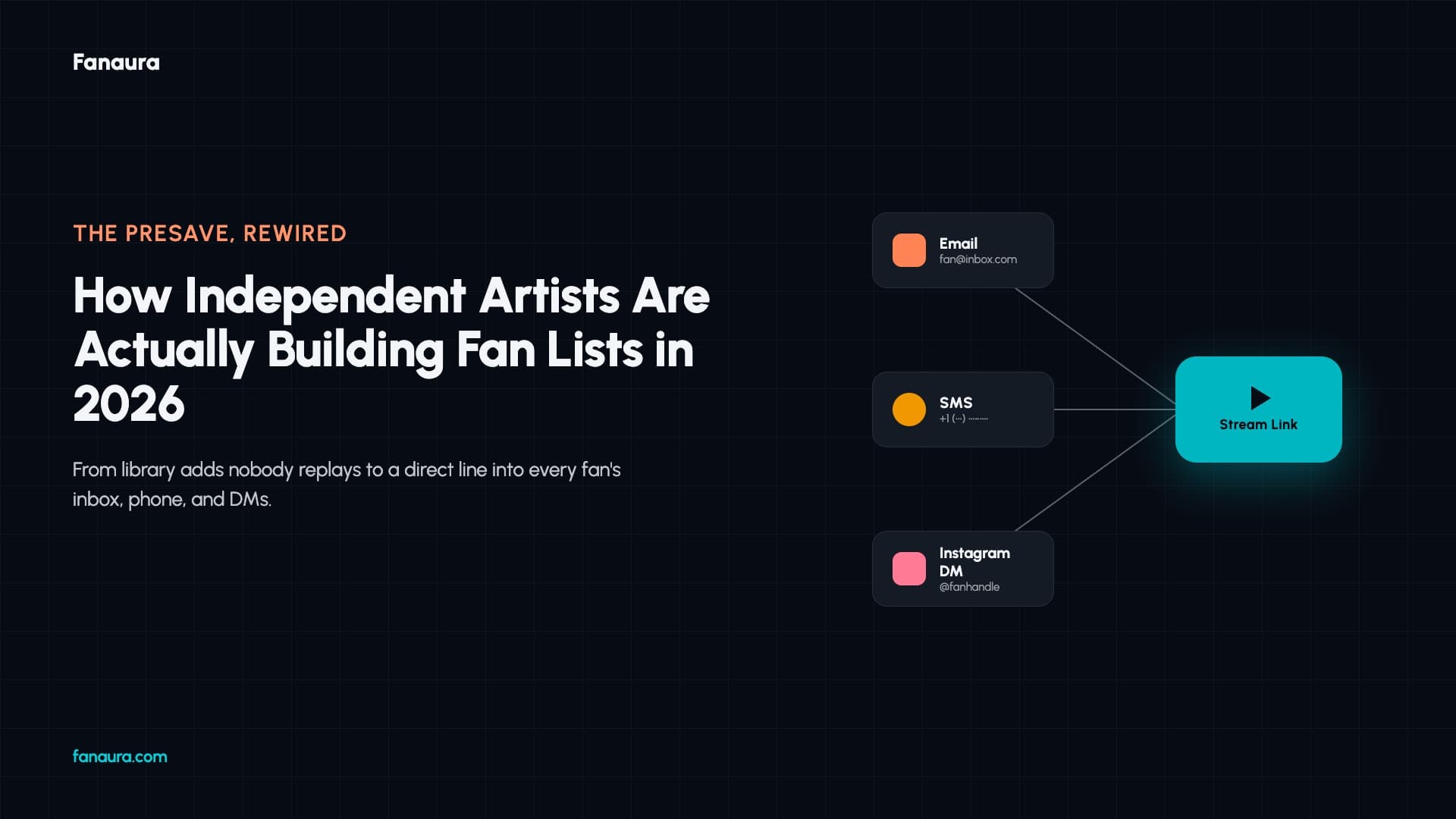
On release day, Fanaura sends every one of those fans a notification with a direct stream link. Email if that's how they came in. SMS if they gave you their number. Instagram DM if they signed up through your page. The link opens directly in the streaming service they said they use. As the walkthrough explains: "When your song releases, it will send out an email to all of your fans with the correct DSP link for the DSP that they subscribe to."
That click drops the fan onto the song in their streaming service in the exact moment they're most engaged — right after getting a message from an artist they care about. Which is very different from a library add that might never get touched.
Setting up a campaign
The setup takes about five minutes. Log into Fanaura, head to Assets, and click Add Track. Enter your track details. If you have your ISRC, drop it in. If you don't — which usually means you're still in post-production — skip it. "You can easily just generate one later," the walkthrough notes. "You can skip this step if you want to just promote your music before the song comes out."
Then set your dates:
Announcement date — when you start promoting. Can be as soon as tomorrow.
Pre-save open date — when fans can start saving. Sync it to your announcement date with one click.
Release date — when the song goes live on DSPs.
Add your artwork. If your ISRC is entered, Fanaura pulls the artwork, the official title, album metadata, and every platform-specific streaming link automatically. "When you add an ISRC, it will search our back-end API with every digital service provider in the world to pull over that metadata and that information."
What happens on release day
Your smart link goes into the world. Every fan who presaves lands in your database with their contact info and streaming preference attached. When your release date hits, Fanaura fires the notifications. Each fan gets a direct stream link that opens in the service they use. The fan clicks. The song plays. The stream counts.
The library-save mechanic that defined the presave for a decade is on its way out. What's replacing it is smaller, faster, and generates something the old model never could — an actual fan list that belongs to you.
Set up your first presave campaign at fanaura.com.
Take the next step in your music career
Build your career with a marketing team behind you.
Create your account and start planning your next release with Aura Chat.